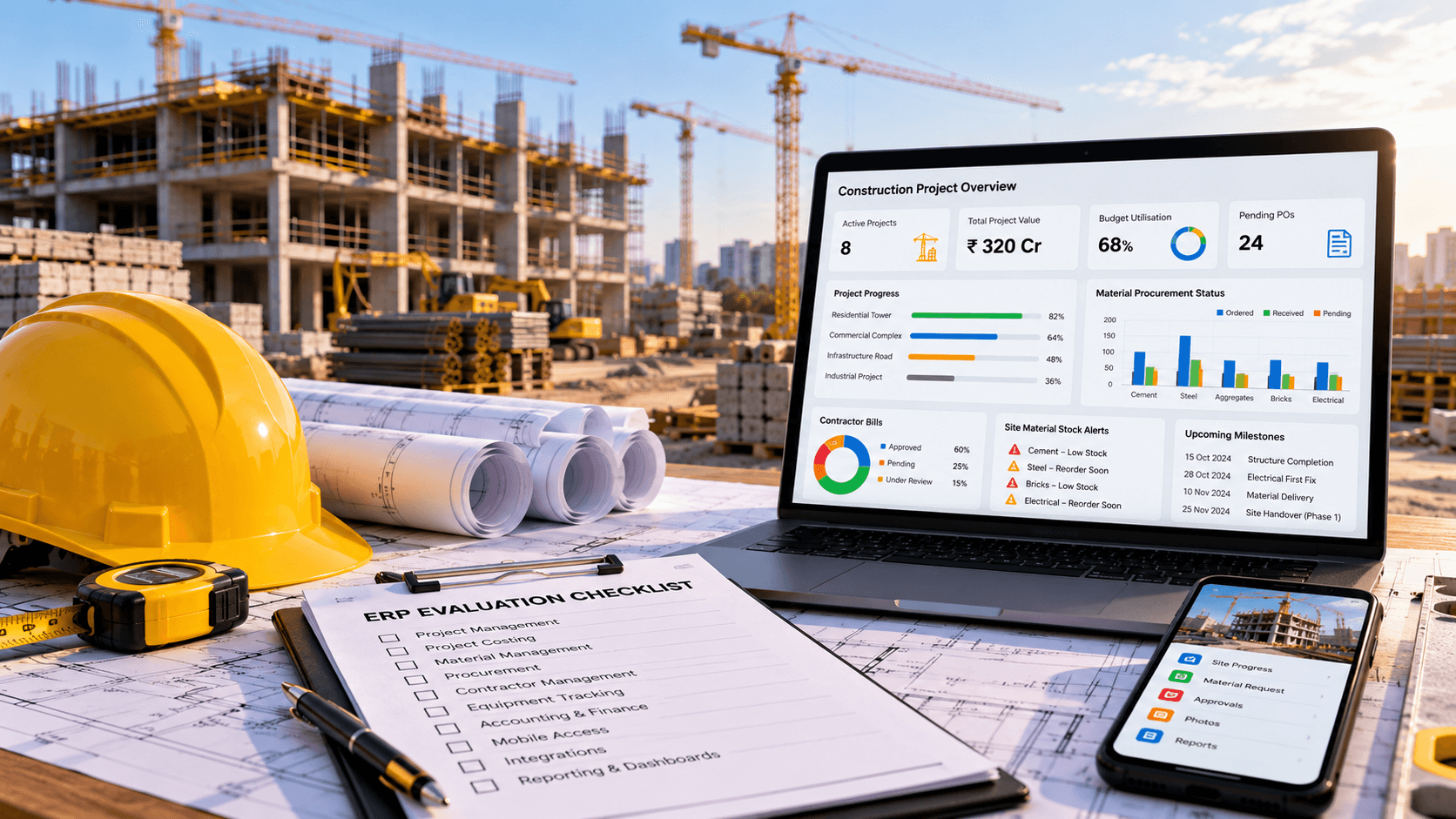
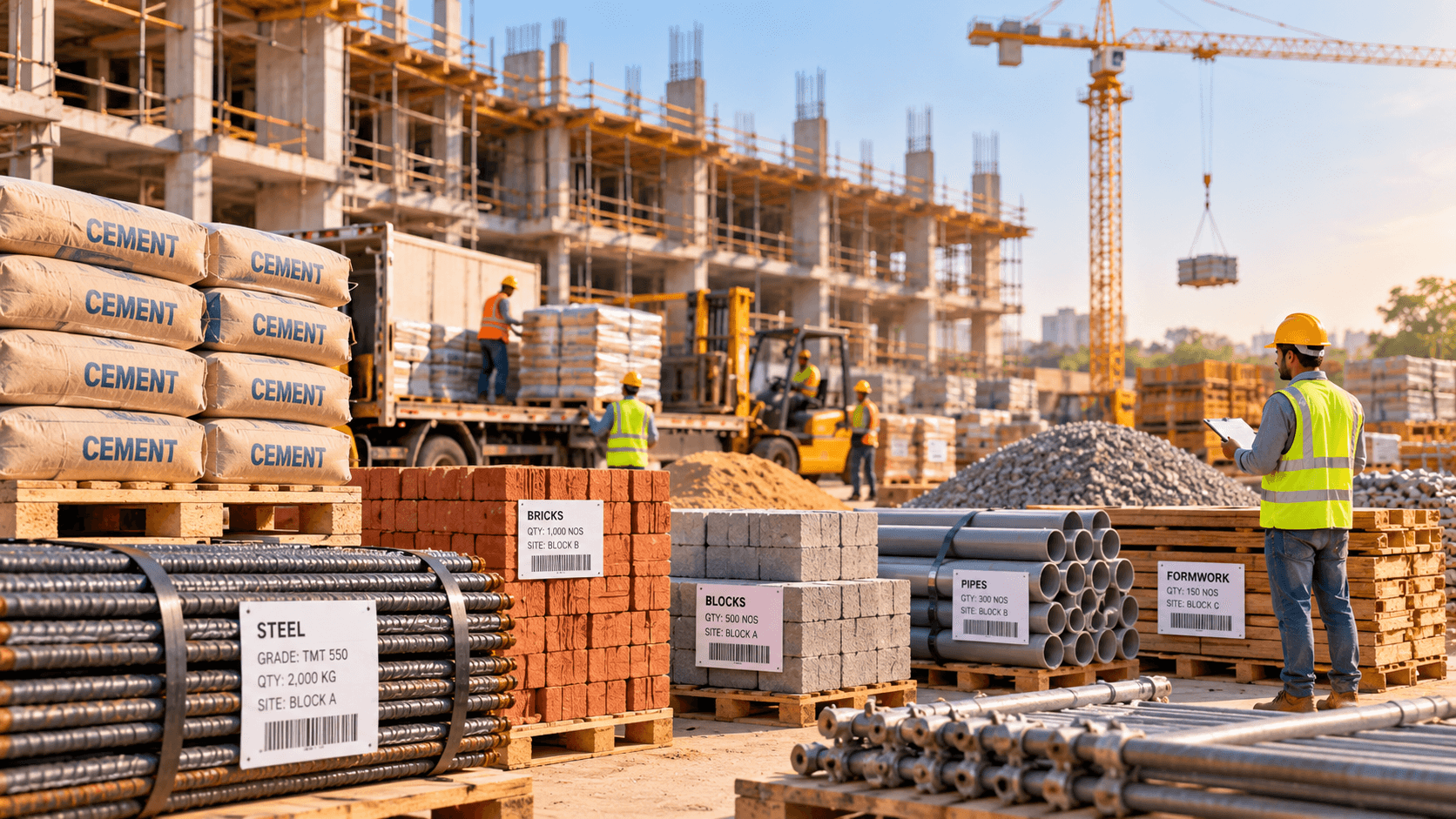
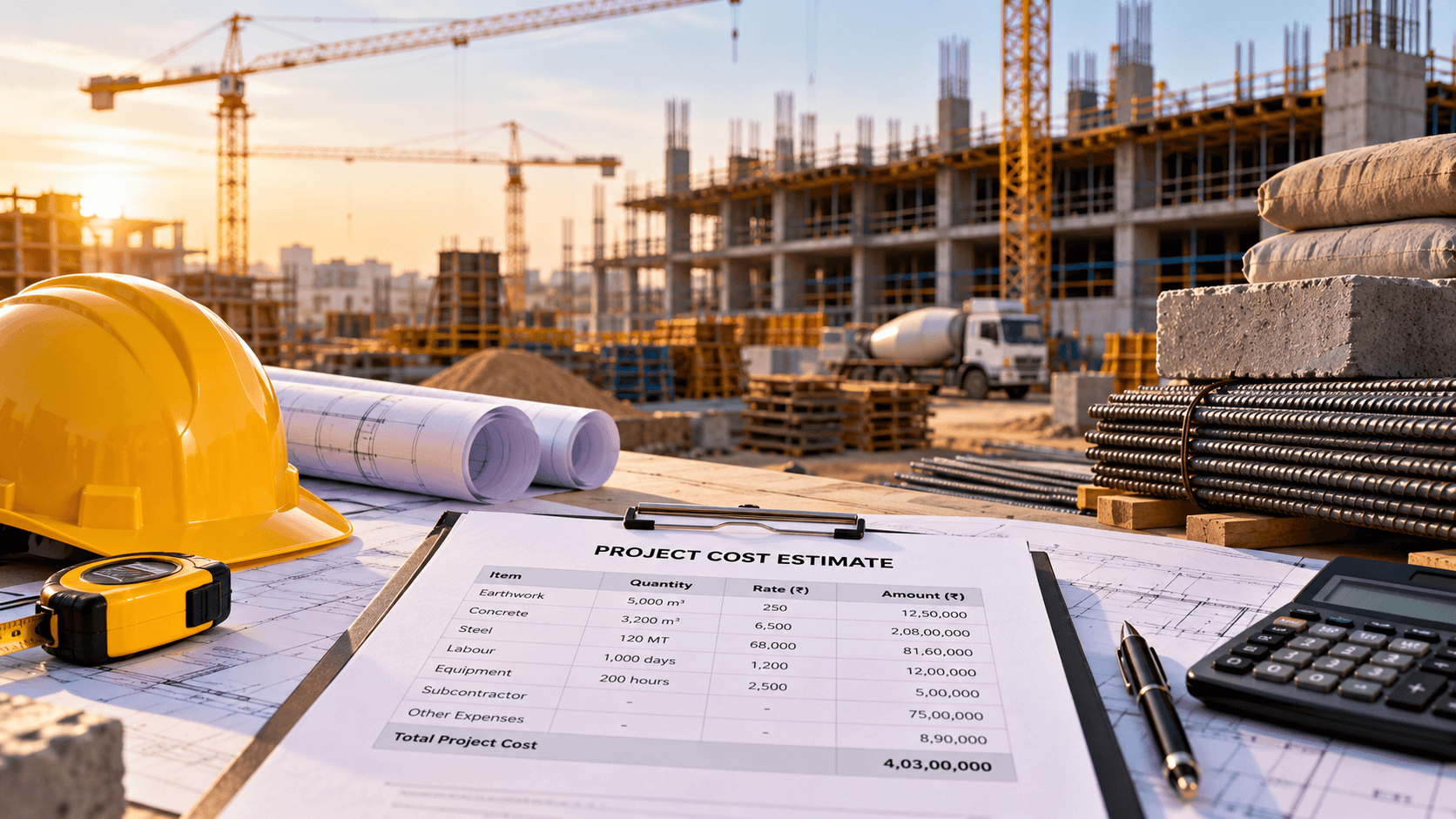
Manage construction projects, budgets, materials, contractors, procurement, equipment and accounts through software designed around your business workflows. Ozrit helps construction businesses build connected ERP solutions for greater operational visibility and control.
Manage Construction Operations Without Fragmented Systems
On most construction businesses, project information is spread across spreadsheets, accounting software, messaging applications and disconnected tools. Each does its own job, but nothing connects a site request to a purchase order, a delivery, a contractor bill and the project budget. Not every business has all of these problems, and most will recognise several.
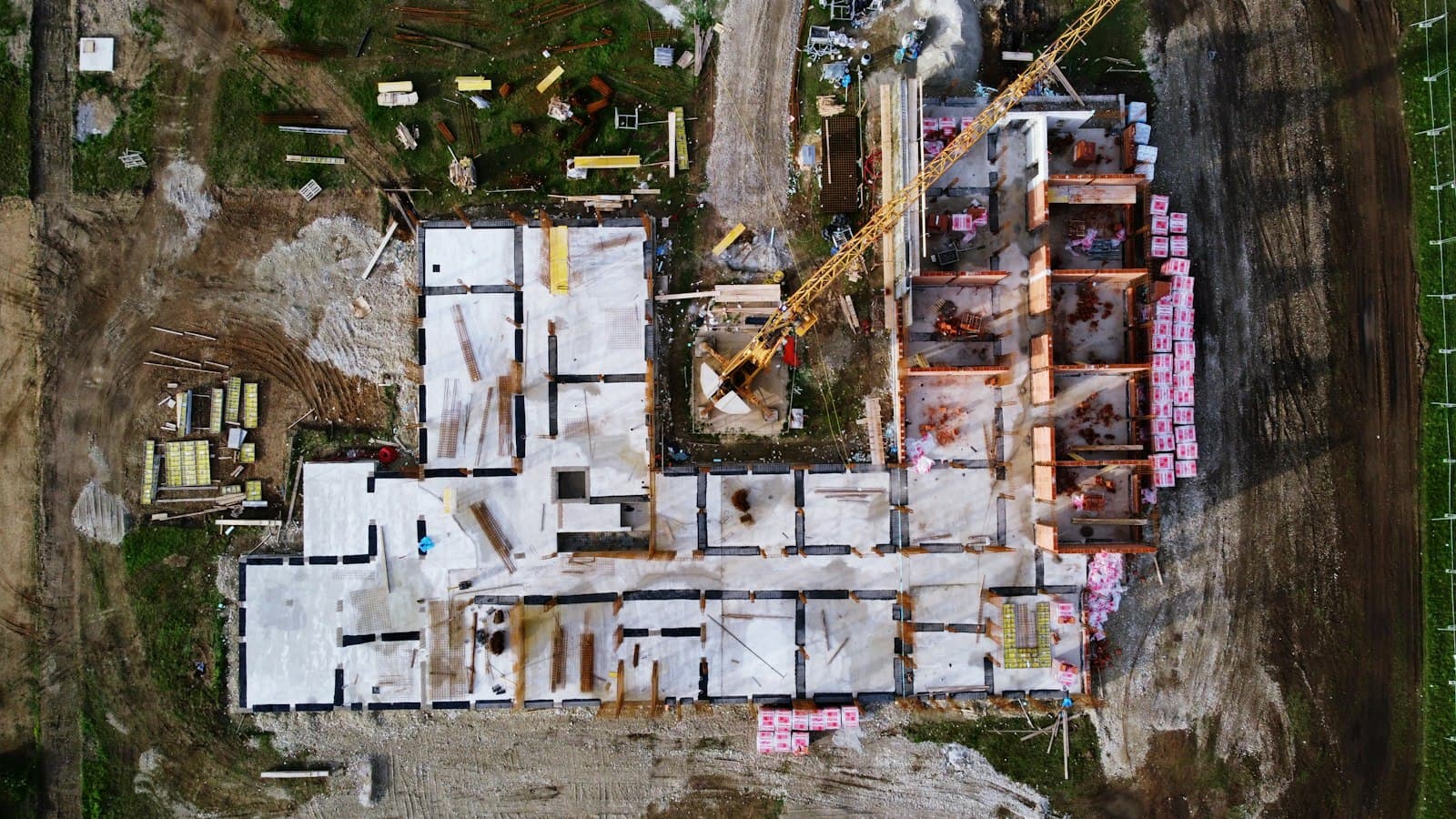
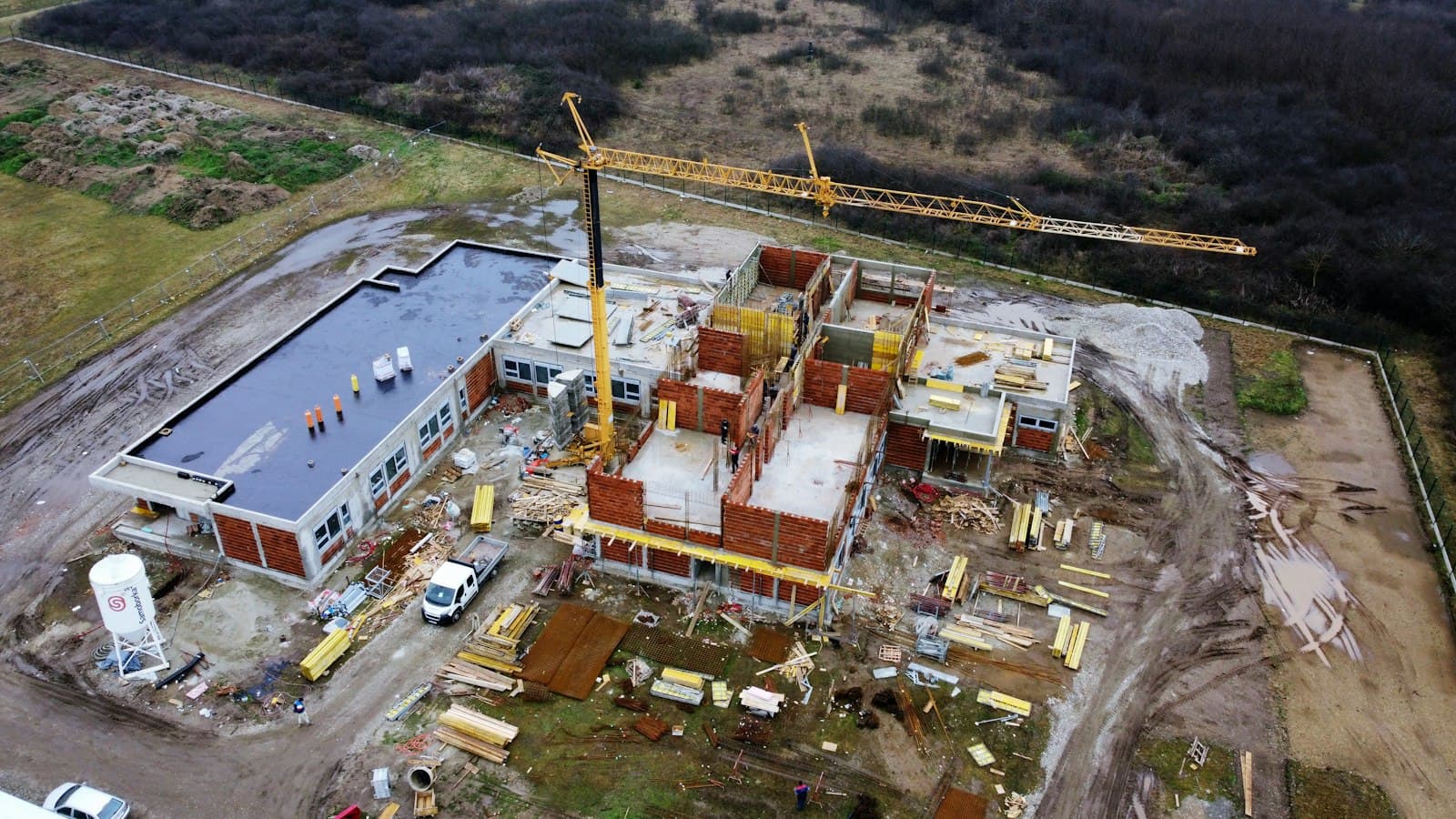
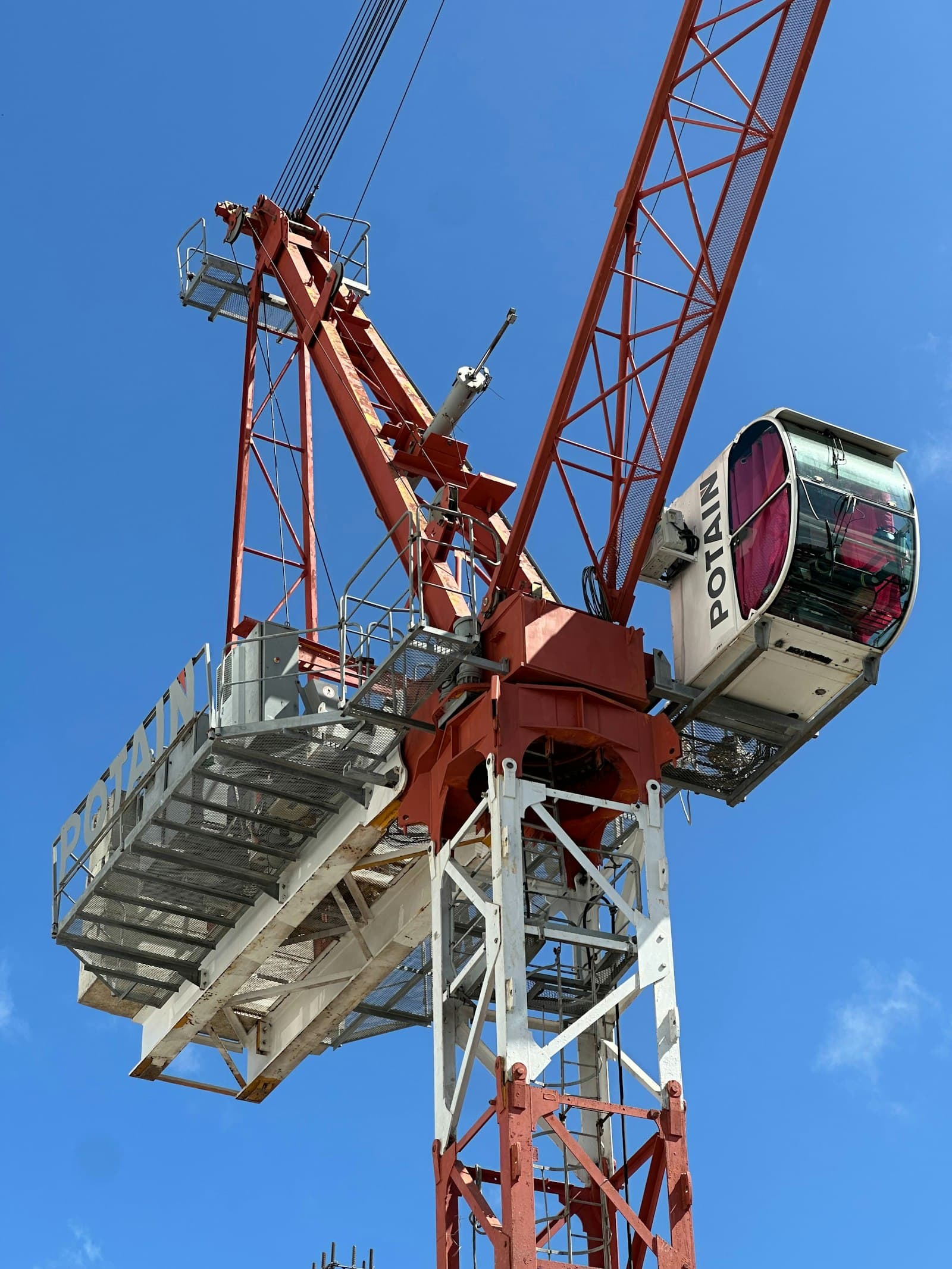
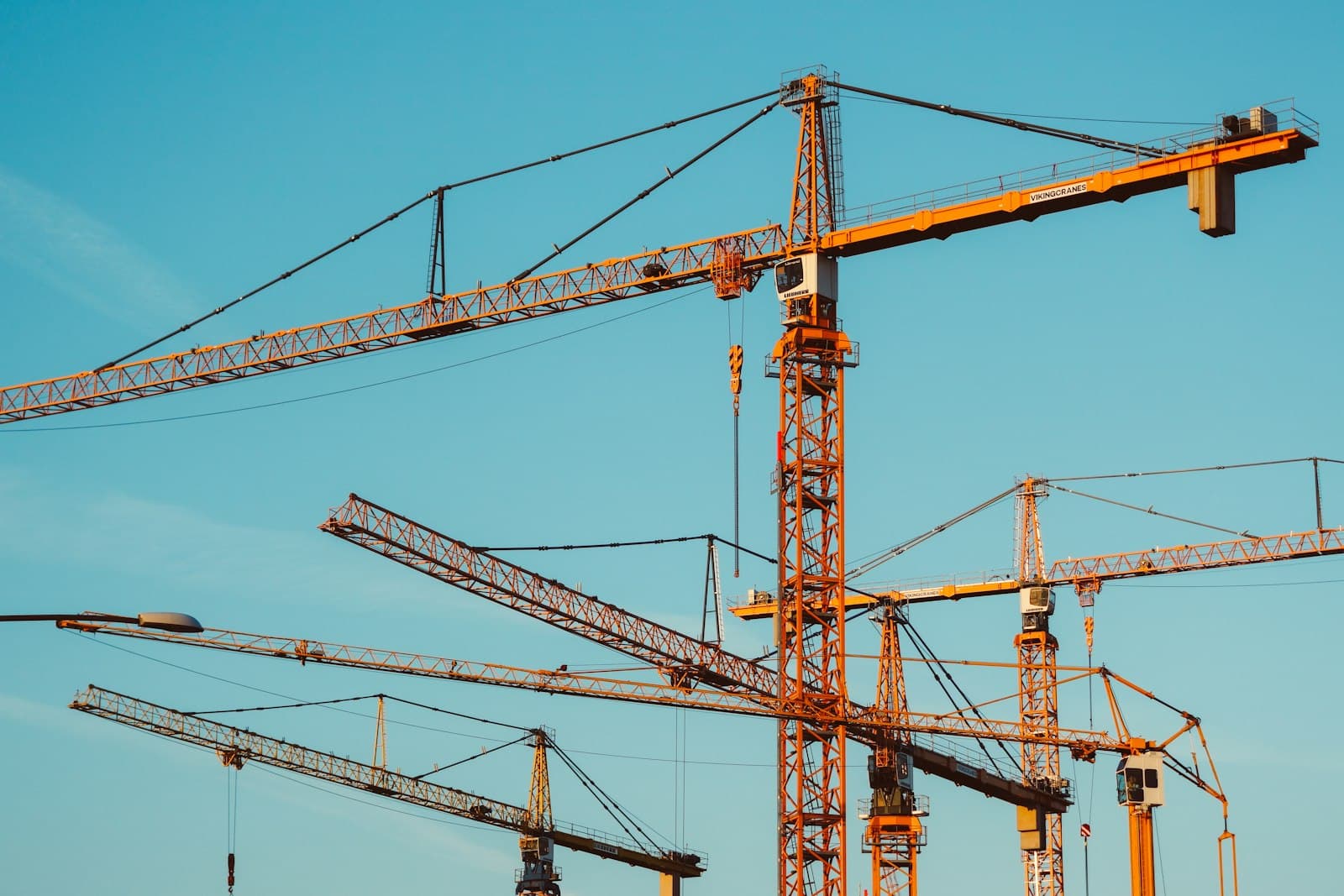
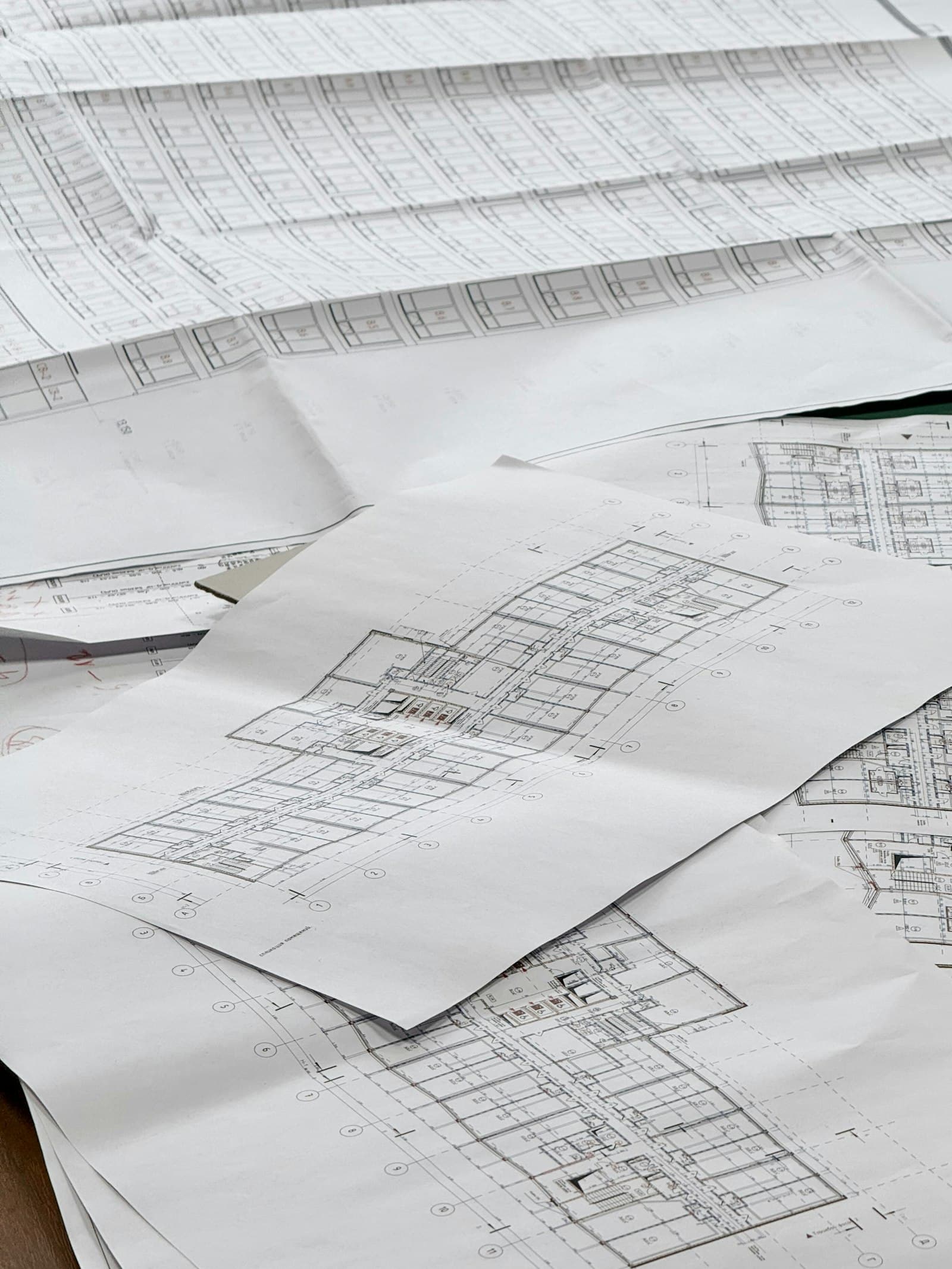
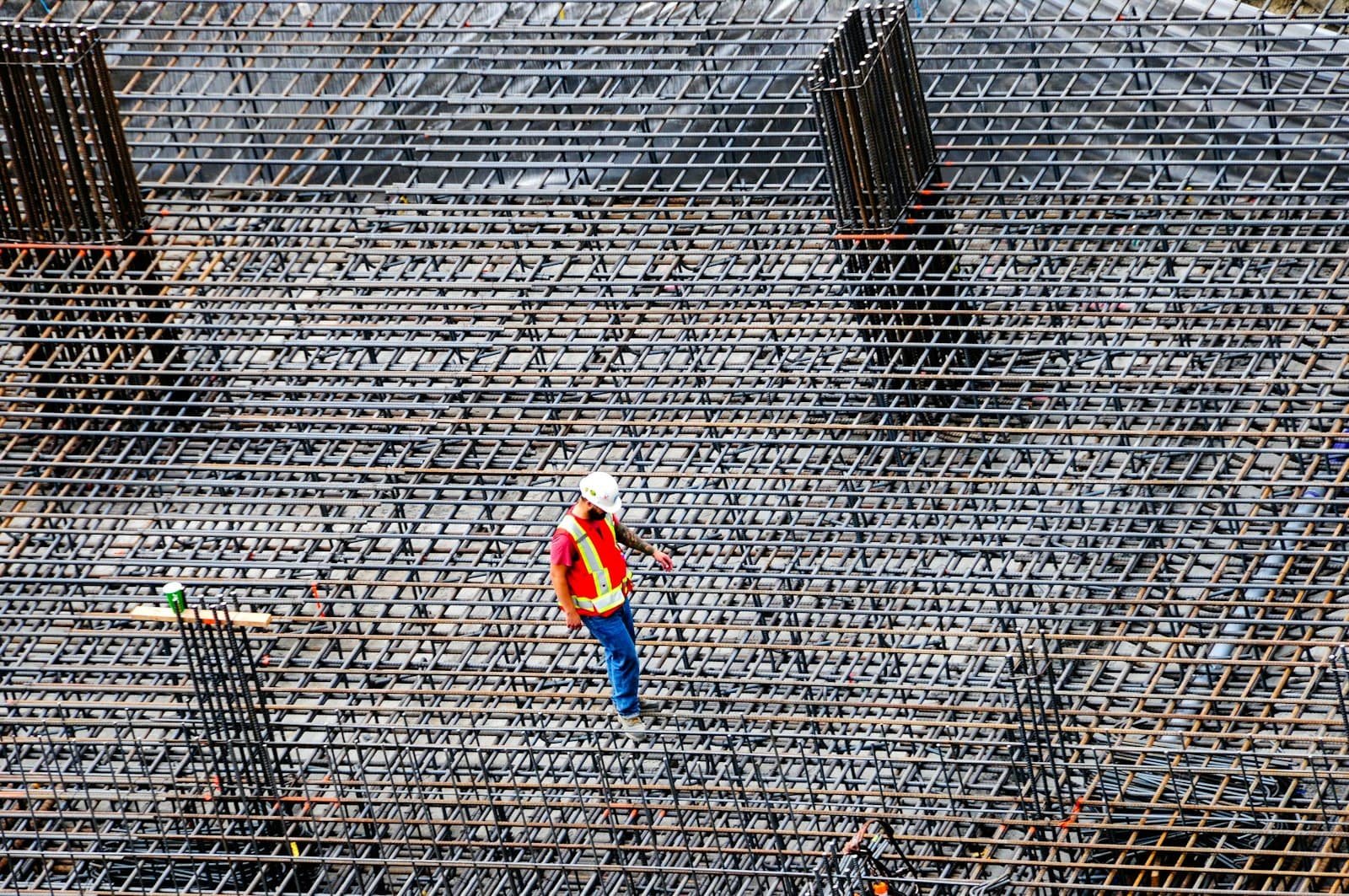
Photograph is illustrative.
Budgets and actual spend are tracked separately.
The estimate sits in one file and bills in another, so a cost overrun is seen after the money is spent.
Material procurement and site deliveries run late.
Requests travel by phone and chat, and a site finds out about a delayed order when work stops.
Contractor and subcontractor costs are hard to see.
Work orders, measurements and running bills live with different people, so the true commitment is unclear.
Labour, equipment and site expenses are scattered.
Attendance, machine hours, fuel and petty costs are recorded on paper or in separate sheets.
Scope and budget changes go uncontrolled.
Variations are agreed on site but reach the budget late, or not at all.
Billing, payments and receivables lag.
Raising customer bills and tracking collections depend on figures that finance has to chase.
Reporting is inconsistent across sites.
Each site reports in its own format, so comparing projects takes manual effort.
Management decisions rely on stitched-together data.
Head office assembles reports from spreadsheets, accounting software and messages before it can act.
Construction ERP Modules Built Around Your Operations
A construction ERP system is a set of connected modules, not one fixed product. The twelve below cover a project from estimate to final bill. They are not all included in every implementation. The final scope is tailored to your business, and most projects start with a few modules and add others in phases.
Phase 1 of 4
Plan and estimate
Set up the project, price it and fix the budget before work begins.
Project Management
A construction project management ERP capability that holds the plan, schedule and status of every site.
Project setup and work breakdown structures
Milestones, schedules and task dependencies
Site-wise progress tracking
Project status and management reports
BOQ and Estimation Management
Construction BOQ software that ties quantities and rates to procurement and actual consumption.
Bill of Quantities management
Item-wise quantities and rates
Estimated project costs
Links between BOQ items, procurement and actual consumption
Project Costing and Budget Control
Construction project costing software that compares estimated and actual spend as work progresses.
Estimated versus actual expenditure
Project-wise cost allocation
Budget revisions and approvals
Cost variance reporting
Phase 2 of 4
Buy and receive
Order what the site needs, receive it, and know where it is.
Procurement and Vendor Management
Construction procurement software that moves a site request through quotation, approval and delivery.
Purchase requisitions and purchase orders
Supplier quotations and comparisons
Vendor records and payment terms
Delivery tracking and purchase approvals
Material and Inventory Management
Construction material management software for cement, steel, aggregates and other materials across sites and warehouses.
Cement, steel, aggregates and other construction materials
Stock by warehouse, site or project
Material requests, receipts and issues
Stock transfers, reconciliation and wastage records
Equipment and Machinery Management
Records of where each machine is working and what it costs to run.
Equipment allocation by project
Utilisation and operating-hour records
Maintenance schedules
Fuel, repair and operating costs
Phase 3 of 4
Build and control
Assign work, record progress and keep approvals and drawings in order.
Contractor and Subcontractor Management
Contractor management software covering the full path from work order to approved payment.
Contractor profiles and agreements
Work orders and scope allocation
Measurement records and bill submissions
Work completion approvals and payment tracking
Labour and Workforce Management
Site-wise labour records that can feed your HR or payroll system.
Site-wise labour allocation
Attendance and work-hour records
Wage and labour-cost tracking
Integration with HR or payroll systems where required
Site Progress and Reporting
Daily reporting from site, with photographs and exceptions visible to the head office.
Daily progress reports
Site photographs and supporting documents
Work completion records
Project dashboards and exception reports
Document and Approval Management
Drawings, contracts and approvals kept with the project, with access by role.
Drawings, contracts and project documents
Revision history where required
Purchase, expense and work approval workflows
Role-based document access
Phase 4 of 4
Bill and review
Raise and track money in and out, and give management a single view.
Billing, Accounts and Finance
The finance side of a construction ERP system, kept consistent with project records.
Project-wise income and expenditure
Customer invoices and receivables
Supplier bills and payables
Payment tracking and financial reporting
GST-related workflows and accounting integration where required
Management Dashboards
One view of projects, budgets and approvals for directors and project heads.
Project status and milestones
Budget utilisation
Material availability
Outstanding payments
Contractor bills and pending approvals
Not sure which modules to start with? We can help you decide during a requirements discussion.
ERP Solutions for Different Construction Businesses
A highway contractor and a residential builder both need cost control, but they watch different things. An infrastructure contractor may put site-level material consumption and equipment utilisation first, while a real estate developer may care most about project budgets, procurement, contractor billing and financial reporting. No single configuration fits every business, so each is scoped from how you work.
Residential and commercial builders
Work is organised by tower, block or floor, and customer billing often follows construction stages, so progress records and billing need to agree.
Tower-wise and floor-wise progress
Material and contractor tracking by block
Billing linked to completed stages
Real estate developers
Several projects run in parallel, and the focus is on project budgets, procurement, contractor billing and consolidated financial reporting for management.
Budget versus actual by project
Procurement and contractor bill approvals
Consolidated financial reporting
Civil construction companies
Work is measured against a BOQ and billed through running bills, so measurement records, subcontractor work and site material use matter most.
BOQ-based measurement and bills
Subcontractor work orders
Site-level material consumption
Infrastructure and road contractors
Sites are spread out and equipment-heavy, so site-level material consumption, equipment utilisation and fuel records often take priority.
Equipment utilisation and fuel costs
Material use by stretch or work package
Site-wise cost and progress reports
EPC contractors
Engineering, procurement and construction run under one contract, so milestones, vendor management, document control and milestone billing need to stay connected.
Milestone-based planning and billing
Vendor and subcontract control
Document and revision control
Industrial construction businesses
Specialised trades and heavy lifts mean many subcontractors and equipment hours, with documentation requirements that vary by client.
Subcontractor and work-order tracking
Equipment allocation and hours
Approval and document records
Multi-project construction firms
The head office needs one view across many sites, with stock transfers between sites, central procurement and reporting by business unit or legal entity.
Consolidated view across sites
Inter-site stock transfers
Reporting by entity or business unit
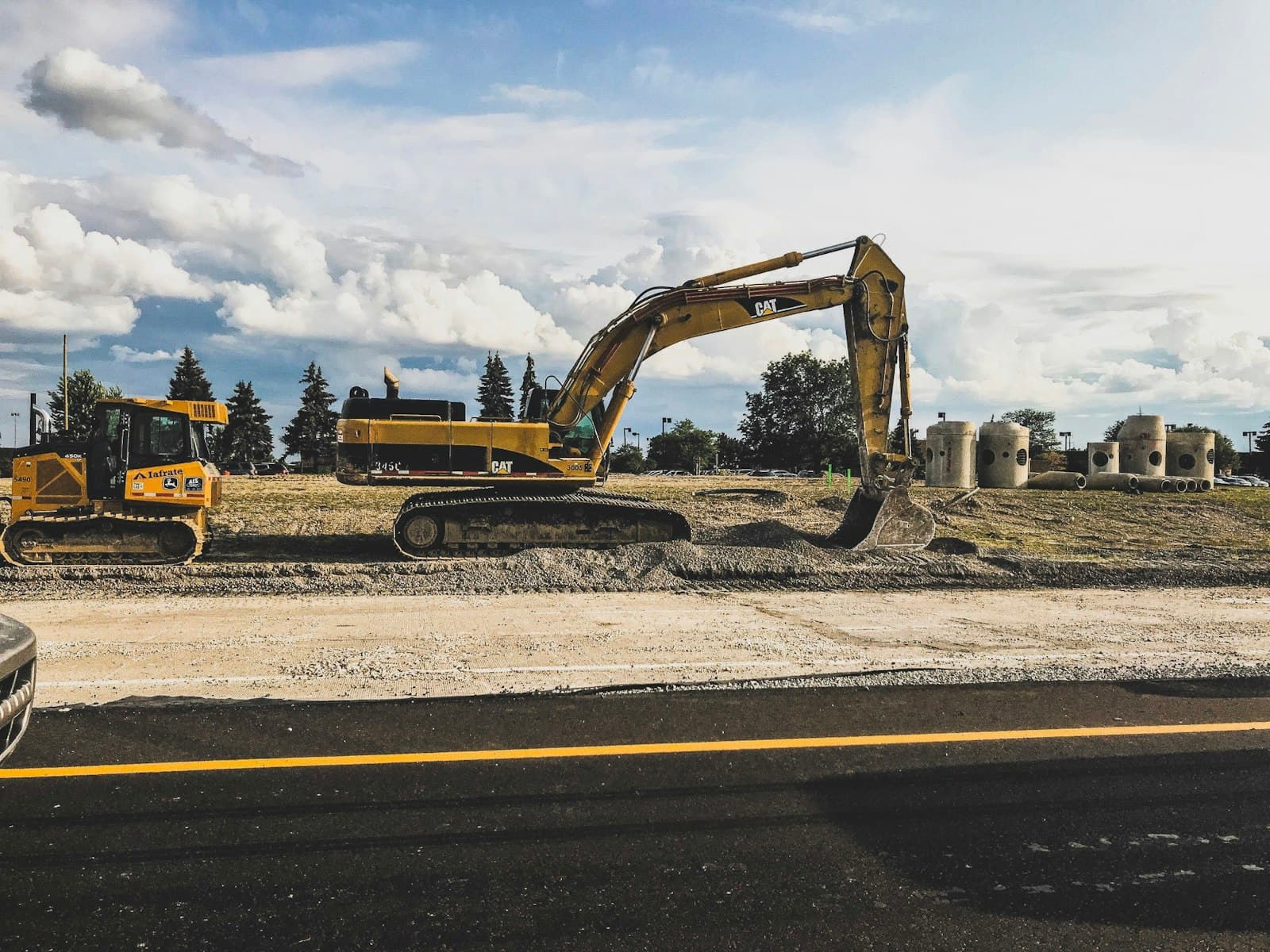
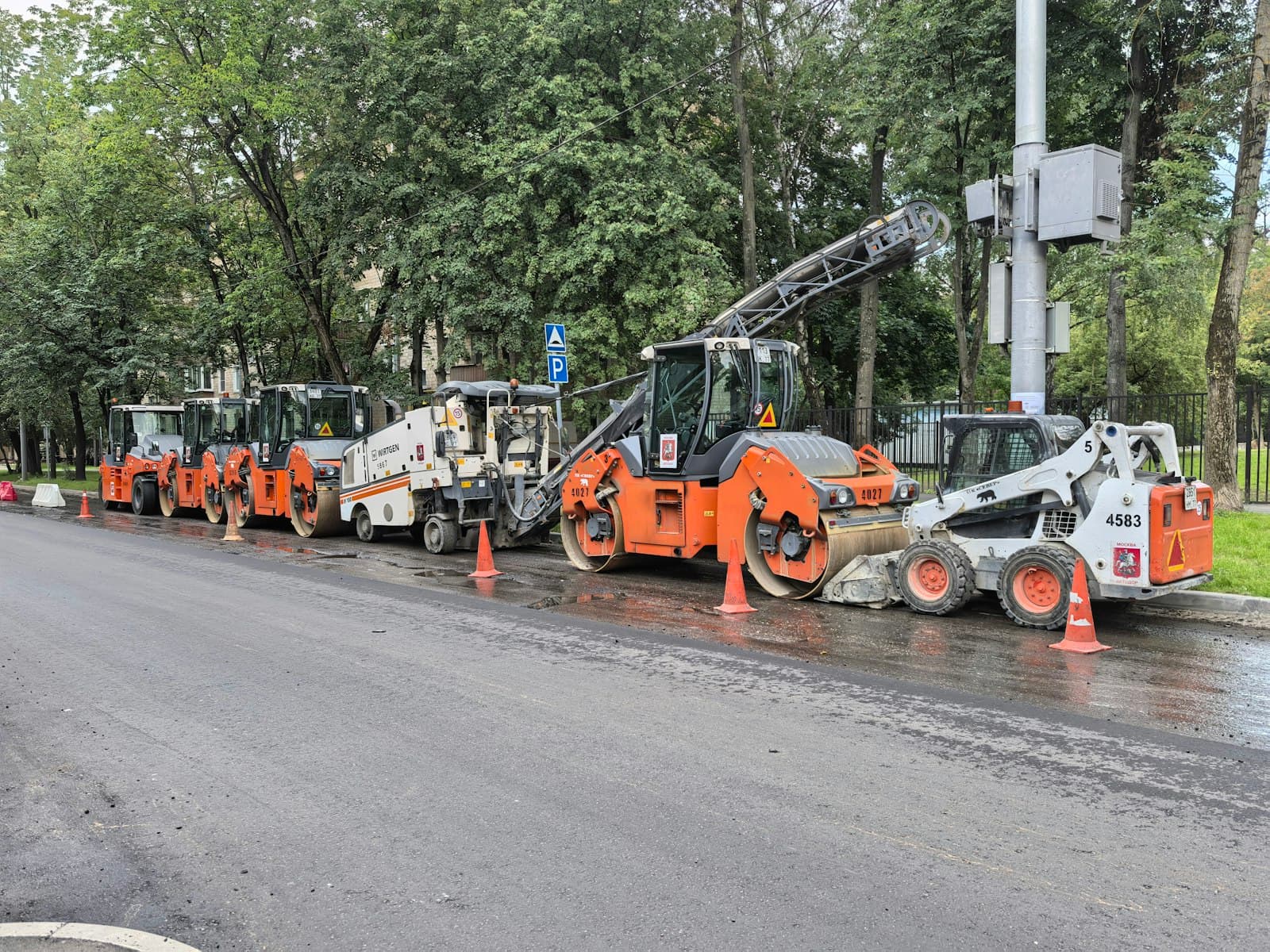
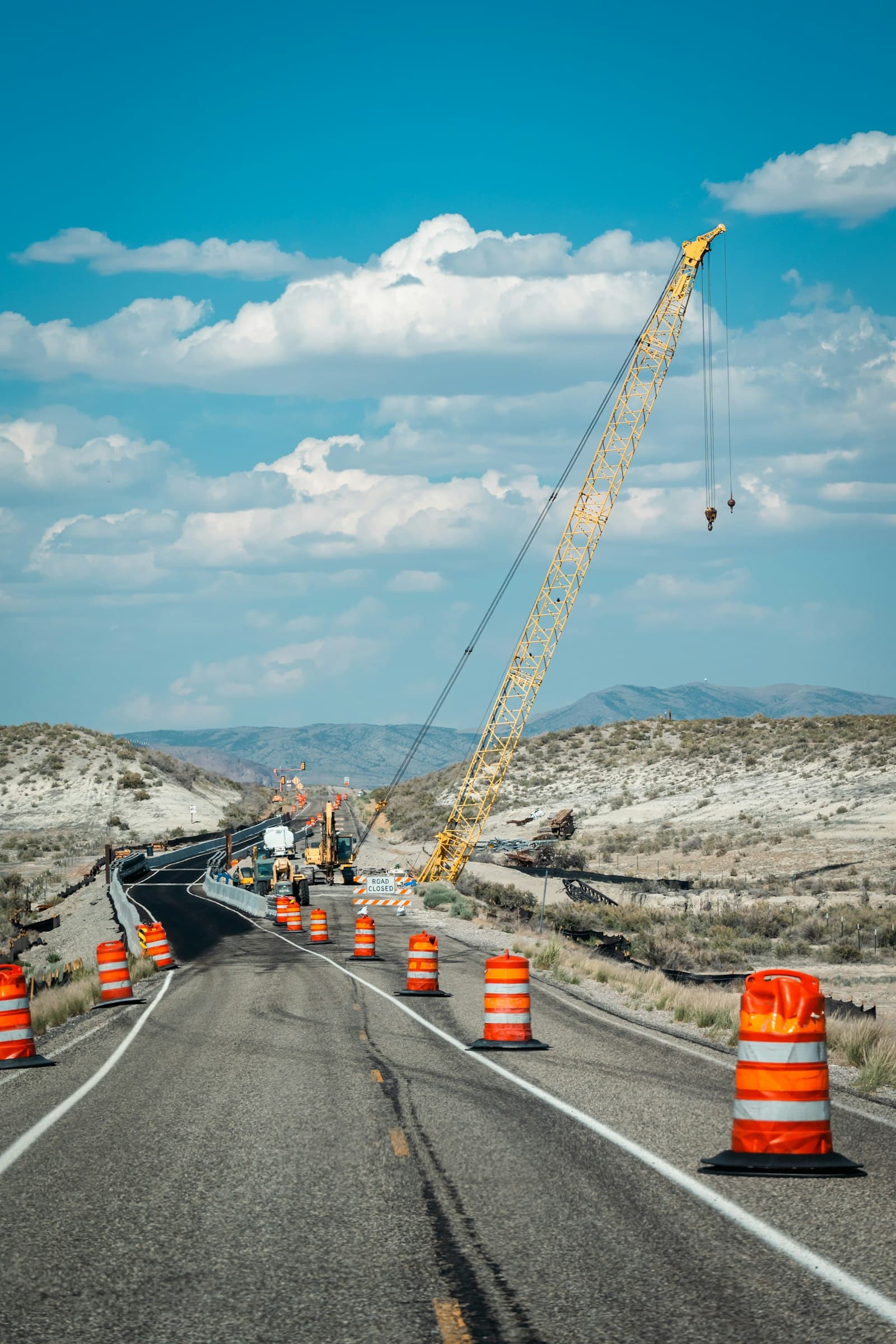
These describe the workflows we would design for, not completed projects in each segment. Photographs are illustrative.
Connect the Entire Construction Project Lifecycle
With connected construction management ERP software, the record created at one stage carries into the next. The estimate becomes the budget, the budget drives purchase requests, receipts feed site stock, and approved contractor bills flow into project cost and accounts. Staff stop re-keying figures between files, and management sees the same numbers the site does. The stages overlap, as they do on a real project.
1
Project planning and estimation
Scope, work breakdown and estimate
2
BOQ creation and budget approval
Quantities, rates and the approved budget
3
Procurement and vendor selection
Requisitions, quotations and purchase orders
4
Material receipt and site allocation
Goods receipts, stock by site and issues
5
Workforce and contractor assignment
Work orders, labour and equipment allocation
6
Site execution and progress recording
Daily reports, photographs and measurements
7
Cost tracking and contractor bill verification
Actual cost against budget, verified bills
8
Customer billing and financial reconciliation
Invoices, receivables, payables and ledgers
9
Project reporting and management review
Dashboards, variances and exceptions
Start of projectCompletion and review
The bars show how stages typically overlap. Real timelines depend on the project.
Get a Clear View of Every Project
A concept of the screen a director or project head might open each morning: budget against actual spend, purchase orders waiting, stock running low, contractor bills awaiting approval and where each project stands. It shows sample data, not Ozrit customer results or any real company's performance, and it is not a deployed product.
Active projects
4
2 residential, 1 highway, 1 industrial
Total budget
₹121.1 cr
approved, all projects
Actual expenditure
₹79.4 cr
to date
Budget utilisation
66%
of approved budget
Budget and spend by project (₹ crore)
Approved budget, spend to date and status for each active project
Project
Budget
Spent
Status
Tower A, residential
48.0
29.8 (62%)
On track
Highway package 3
36.5
27.9 (76%)
Watch
Commercial block B
22.4
8.1 (36%)
On track
Warehouse shell
14.2
13.6 (96%)
Over budget risk
Overall progress, planned vs actual
PlannedActual
Needs attention
17Pending purchase orders3 older than 7 days
5Material stock alertssteel and cement below reorder level
9Contractor bills awaiting approval₹3.4 cr in total
Material availability at Tower A
Cement (bags)Below reorder level
TMT steel (tonnes)Below reorder level
Aggregates (cu m)Adequate
Bricks and blocksAdequate
Tower A milestones
ExcavationComplete
FoundationComplete
Structure, floor 7 of 10In progress
FinishingPlanned
HandoverPlanned
Project control view, sample dataIllustrative project data
Custom Construction ERP or Ready-Made Software?
Both are valid. The right choice depends on your requirements, your budget, the systems you already use and who will maintain the software in the long term. Custom development is not automatically better for every company.
Ready-made software may suit you when
Your workflows already match the standard features of a mature product
You need to be live quickly with a conventional set-up
Your project types, costing method and approval levels are fairly standard
You prefer a vendor-maintained product and its upgrade schedule
A mature product can be the faster and less costly route, and we would rather say so during assessment than build something you do not need.
Custom construction ERP is worth evaluating when you need
Specific project costing methods
Custom approval hierarchies
Specialised BOQ and contractor billing workflows
Multiple legal entities or business units
Site-specific reporting
Integration with existing accounting or project tools
Custom mobile workflows for site teams
If several of these describe you, custom construction ERP software may be worth comparing against a ready-made product.
Mobile-friendly workflows can help site engineers, supervisors, store and procurement staff and project managers record work where it happens, so the head office is not waiting for a weekly sheet. The screen below is a sample of how a daily progress report might look.
Tower A
Daily progress report
Draft
Date
21 Oct 2026
Work done
Level 7 slab reinforcement, about 60% complete
Labour on site
42 (masons 14, helpers 18, steel fixers 10)
Materials received
TMT steel, 8 tonnes
Photographs (3)
Submit for approval
Illustrative screen with sample data.
Site engineers and supervisors
Daily progress updates
Site attendance and work records
Site photographs and attachments
Store and procurement staff
Material requests and receipts
Equipment issue reporting
Project managers and heads
Purchase or expense approval
Contractor work updates
Access to relevant project documents
Working without a network connection is an optional capability. It has to be specifically designed and built, so it is agreed during scoping and is not assumed. Read more about our mobile app development services.
Integrate Construction ERP With Your Existing Systems
A construction ERP rarely works alone. It can be connected to the finance, HR, document and reporting tools you already use. These are integration possibilities. Each depends on technical feasibility and on whether the other system offers an API or a usable export, which we confirm during discovery before promising anything.
Systems that can be integrated with a construction ERP, what they connect and what feasibility depends on
System
What can be connected
What it depends on
Accounting and finance systems
Ledgers, payables, receivables, GST data and project cost postings.
The software in use and whether it offers an API or an import format.
Payroll and HR software
Site-wise labour, attendance and wage data.
The HR system's interfaces and how attendance is captured today.
CRM and lead management
Customer and booking details linked to project billing.
The CRM's API and how customers are identified.
Payment gateways and banking workflows
Payment status and reconciliation, where appropriate.
The bank or gateway's API and your approval process.
Barcode and inventory tools
Scan-based receipts, issues and stock counts.
The scanners and label formats in use.
Document storage
Drawings and contracts held in your existing store, linked to project records.
The storage service's API and access rules.
Business intelligence and reporting tools
Project and finance data for your own dashboards.
The tool's connectors and the data you want to expose.
Existing construction or project management software
Schedules, tasks or measurements shared with the ERP.
Export options or APIs in that software.
A Structured Approach to Construction ERP Development
We do not quote a delivery timeline before we know your requirements. The number of modules, sites, user roles and integrations decides both time and cost. Scope and acceptance criteria are agreed in writing for each phase. Our general delivery model is described on How We Work.
1
Requirement discovery
We understand your project types, sites, workflows and current systems.
2
Process and architecture design
We define modules, user roles, integrations and the data structure.
3
Development and configuration
We build the agreed modules and workflows, released in increments you can review.
4
Testing and migration
We validate calculations, permissions, reports, migrated data and integrations.
5
Deployment and support
We roll out in agreed phases, train users and provide post-launch support.
Build Construction ERP Around the Way You Work
Ozrit is a software development partner. We take the time to understand your business processes, then develop software aligned with them. We have not published a construction ERP case study, so we show our approach through the illustrative screens on this page and agree scope in writing before any build begins.
Custom software development based on documented requirements
Scope, user roles and workflows are written down and agreed before building starts.
Modular implementation options
Start with the modules that matter most and add others in later phases.
Integration with existing systems where feasible
Your accounting, HR and project tools can stay in place and be connected.
Web and mobile application development
Office users and site teams get interfaces suited to how they work.
Role-based access and approval workflows
Who can see, raise and approve what is configured around your hierarchy.
Reporting tailored to project and management needs
Reports follow the decisions you make, not a generic template.
Phased delivery and testing
Each phase is tested against agreed acceptance criteria before the next begins.
Ongoing improvement based on business priorities
Support and enhancement arrangements are agreed so the system keeps pace with your projects.
Construction ERP Software: Frequently Asked Questions
What is construction ERP software?
Construction ERP software brings a construction business's projects, budgets, materials, procurement, contractors, labour, equipment and accounts into one system. Each record is entered once and is visible to the people who need it, from site engineers to finance and management.
Which modules should construction ERP software include?
Commonly, project management, BOQ and estimation, project costing and budget control, procurement, material and inventory management, contractor and subcontractor management, labour, equipment, billing and accounts, site progress, document approvals and management dashboards. Which ones you need first depends on your biggest problems, and the final scope can be tailored.
Can construction ERP track project budgets and actual costs?
Yes. A project can carry an approved budget, and purchases, contractor bills, labour, equipment and site expenses are recorded against it, so estimated and actual cost can be compared by project and by cost head. Budget revisions can go through an approval workflow.
Can it manage BOQ, materials and procurement?
Yes. A Bill of Quantities can hold item-wise quantities and rates, material requests can be raised against it, purchase orders follow, and receipts and issues at site are linked back to the BOQ item, so planned and actual consumption can be compared.
Can construction ERP manage contractors and subcontractor bills?
Yes. Work orders, scope, measurements and bill submissions can be recorded, approved and tracked through to payment, so the amount committed to each contractor, the work certified and the payments made are visible together.
Is construction ERP suitable for multiple project sites?
Yes. Projects, sites and warehouses can be set up separately with their own users, stock and budgets, while management sees a consolidated view. Stock transfers between sites and reporting by legal entity or business unit can be included where you need them.
Can construction ERP include a mobile application for site engineers?
It can. Typical mobile workflows include daily progress reports, attendance, material requests and receipts, site photographs and approvals. Offline use is an optional capability that has to be specifically designed and built, so it is agreed during scoping and is not assumed.
Can custom construction ERP integrate with accounting software?
In many cases, yes. Tally, SAP and other accounting systems can be connected, depending on the APIs or import formats they offer. Sometimes it is better to keep your accounting system and connect project and procurement data to it. We assess which carries less risk during discovery.
Should I choose custom construction ERP or ready-made software?
It depends. Ready-made software may suit you if your workflows match its standard features and you need to start quickly. Custom construction ERP is worth evaluating when you need specific costing methods, approval hierarchies, BOQ and billing workflows, multiple entities or custom site mobile workflows. Custom is not automatically better, so we recommend comparing both against your requirements.
How much does custom construction ERP software development cost?
There is no honest single figure, because cost depends on scope. The main factors are the number of modules, user roles and sites, the integrations required, how much data must be migrated and the deployment approach. Tell us how you work today, and after discovery we can propose a phased scope and estimate.
How long does construction ERP development take?
It depends on the same factors as cost. A focused first phase, such as procurement and material tracking, can go live sooner than a full multi-site rollout. We do not quote a fixed timeline before we understand your requirements, and milestones and acceptance criteria are agreed for each phase.
Planning a Construction ERP Solution?
Tell us how you currently manage projects, procurement, materials, contractors and accounts. Ozrit can help you evaluate the requirements and plan a construction ERP solution around your workflows.
What happens next
1A solutions consultant reads your note and may reply with a few questions.
2We schedule a requirements call to understand your projects and priorities.
3If it is a fit, we propose a phased scope with milestones and acceptance criteria.